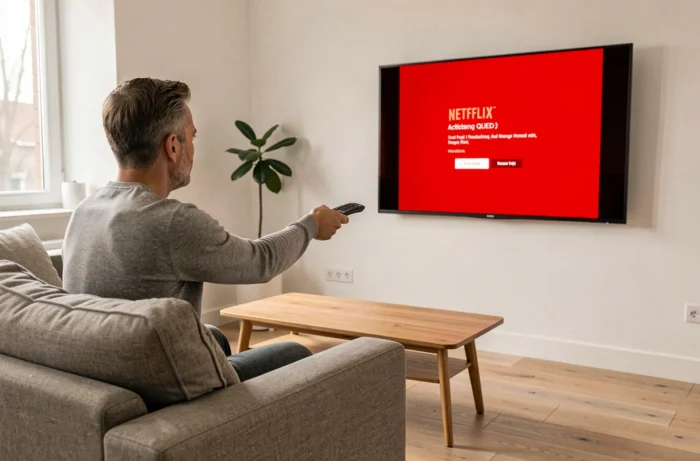
On recent Samsung TVs equipped with Tizen OS, Netflix is pre-installed and accessible from the Smart Hub application launcher. The real technical issue arises when the app does not appear, refuses to launch, or has disappeared after a firmware update. Here, we detail points that consumer guides do not address.
Orsay OS and end of Netflix support on older Samsung TVs
Samsung TVs released before 2015 mostly run on Orsay OS, a system abandoned by Samsung in favor of Tizen. Netflix has gradually removed support for its app on these models.
The exact dates for this end of support vary by source: September 2026 is the most commonly cited timeframe, but there is no single official list covering all affected models. We recommend checking directly in the Settings menu > Support > About this TV to see if the system displays “Orsay” or “Tizen” and its exact version.
A TV running Orsay OS will no longer receive updates for the Netflix app. Attempting to activate Netflix on a Samsung TV of this generation will result in an incompatibility message or a blank page at launch.
The common reflex of resetting the Smart Hub or clearing the cache does not resolve anything in this specific case: the problem is hardware and software, not app-related.
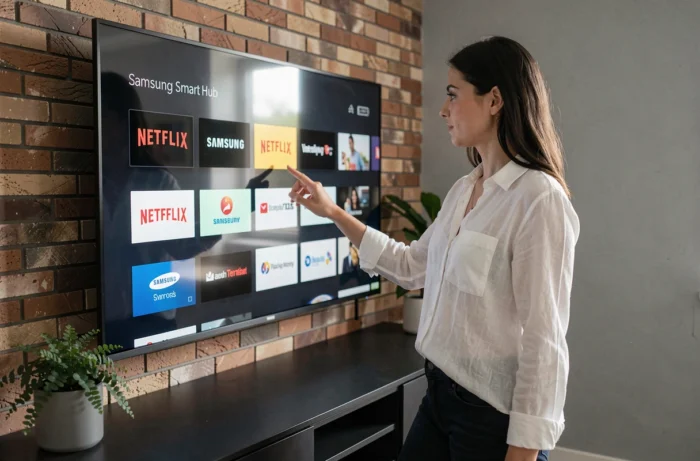
Check Netflix compatibility based on Samsung model
Compatibility does not depend solely on the brand, but on the exact model and version of Tizen firmware. Two Samsung TVs purchased in the same year may have different capabilities if one is an entry-level model and the other a QLED.
Identify the model number
The model code is located on the back label of the TV and in Settings > Support > About this TV. It appears in the form UE55NU7105 or QE65Q80B. The series of letters after the diagonal number indicates the year and range.
Netflix recommends testing the installation from the integrated App Store (Samsung Apps). If the app does not appear in the search results, the model is no longer supported.
HDR and Ultra HD: not automatic
A often-overlooked point: Netflix’s HDR10 and Ultra HD features are not available on all compatible Samsung TVs. Accessing the 4K catalog requires a Netflix Premium subscription, but also a TV whose hardware decodes the HEVC Main 10 profile. Samsung series prior to the MU/NU range (depending on the regions) generally do not handle Netflix HDR, even if the app works.
External HDMI device: the solution when the TV is no longer compatible
Replacing a functional screen due to an outdated app makes no economic sense. An external streaming device connected via HDMI bypasses the limitation of the integrated system without affecting the TV.
The main options:
- Chromecast (Google TV): Android TV interface, access to Netflix and all applications from the Play Store. Casting from a smartphone or tablet remains possible in parallel.
- Amazon Fire TV Stick: Fire OS system based on Android, remote control with a dedicated Netflix button on recent models. Compatible with Alexa voice control.
- Roku: proprietary interface, Netflix pre-installed. Availability varies by European markets.
These devices connect to a free HDMI port. The Samsung TV remote can control the dongle via HDMI-CEC (Anynet+ on Samsung), provided this function is enabled in the TV’s system settings.
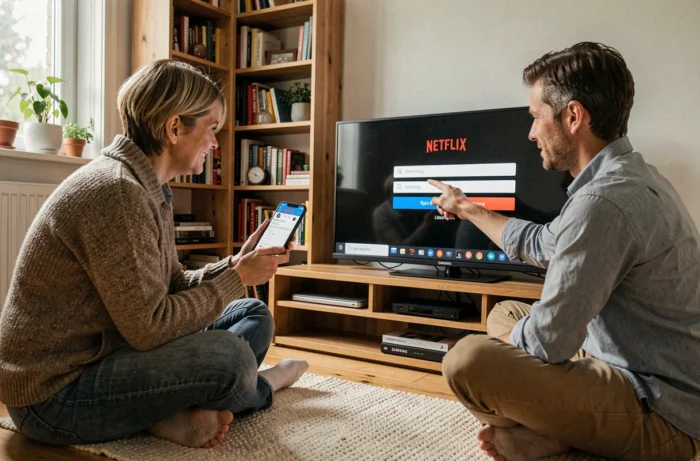
Troubleshooting Netflix on Samsung Tizen: the real technical causes
On a compatible Tizen TV, the Netflix app may still malfunction. The causes are rarely related to the network, contrary to what most guides suggest.
Outdated firmware
Samsung rolls out Tizen updates in regional waves. A firmware that is several versions behind can prevent Netflix from launching. Check in Settings > Support > Software update if a version is available. We recommend keeping automatic updates enabled at all times.
Corrupted Smart Hub cache
If Netflix freezes on the loading screen or displays an error code, resetting the Smart Hub is the appropriate procedure. It can be found in Settings > Support > Device maintenance > Self-diagnosis > Reset Smart Hub. The default PIN is 0000.
This operation removes all third-party apps and reinstalls the original ones. Netflix credentials will need to be re-entered.
DNS resolution and network connection
Netflix uses its own CDN servers. If the TV is configured with a custom DNS (for example, for a VPN service or network parental control), the app may refuse to connect. Resetting the DNS to automatic in the TV’s network settings resolves this blockage in most cases.
Internet box and game console: alternatives to the integrated Samsung system
The Netflix app integrated into French internet boxes (Freebox, Livebox, SFR Box) works independently of the TV. The Samsung TV then serves only as a screen, connected via HDMI to the box.
Xbox and PlayStation consoles also have the Netflix app. On Xbox, it is accessible from the Microsoft Store. On PlayStation, from the PlayStation Store. Both platforms support streaming in Ultra HD and HDR, provided the Netflix subscription and internet connection allow it.
To switch between the native Samsung app and an external device, the Source button on the Samsung remote allows you to select the corresponding HDMI input. Naming each source (Box, Console, Chromecast) in the Source menu makes daily navigation easier.
The choice between the native Tizen app and an external device mainly depends on the frequency of software updates. Streaming dongles receive patches more regularly than TV firmware, ensuring longer-lasting Netflix compatibility in the long term.